Blog
How to make a free medical ID QR code for your phone and wallet

By Harvey Castro, MD, MBA, board-certified emergency physician · October 25, 2026
When a patient arrives in my emergency department unable to speak, the first minutes are spent guessing. Allergies, blood thinners, seizure medicines and an emergency contact are the things I most want to know. A medical ID QR code puts that information where responders can see it, without unlocking your phone.
Step 1: Turn on your phone's built-in medical ID
iPhone has Medical ID in the Health app, and most Android phones have Emergency information in settings. Both can show on the lock screen. Turn them on first. It takes two minutes.
Step 2: Make a lock-screen medical ID wallpaper
Not every responder knows where to tap. A wallpaper with your allergies, key conditions, emergency contact and a QR code is visible the moment your screen lights up. My free lock-screen Medical ID builds one for iPhone and Android in a few minutes. Everything stays in your browser.
What to include
- Allergies, with the reaction if you know it
- Major conditions, like diabetes, epilepsy or a heart condition
- Blood thinners, insulin and seizure medicines
- Implants and devices, like a pacemaker
- Two emergency contacts
What to leave out
Anyone who scans the code can read it. That is the point in an emergency. So never include your Social Security number, insurance ID or home address.
Step 3: Print a wallet card and a fridge card
Phones die and get lost. Print the wallet card, and if you care for children or an older parent, make the free family pack and fridge card so a babysitter or paramedic can read everyone's information in seconds.
Then set a reminder to update it whenever a medicine changes.
I speak on this to hospital boards, associations and conference stages. Book me to speak, or read more at https://www.HarveyCastroMD.com.
Can you find DrGPT?

Clue: I'm on the path near the farmers market tents.
Show the answer
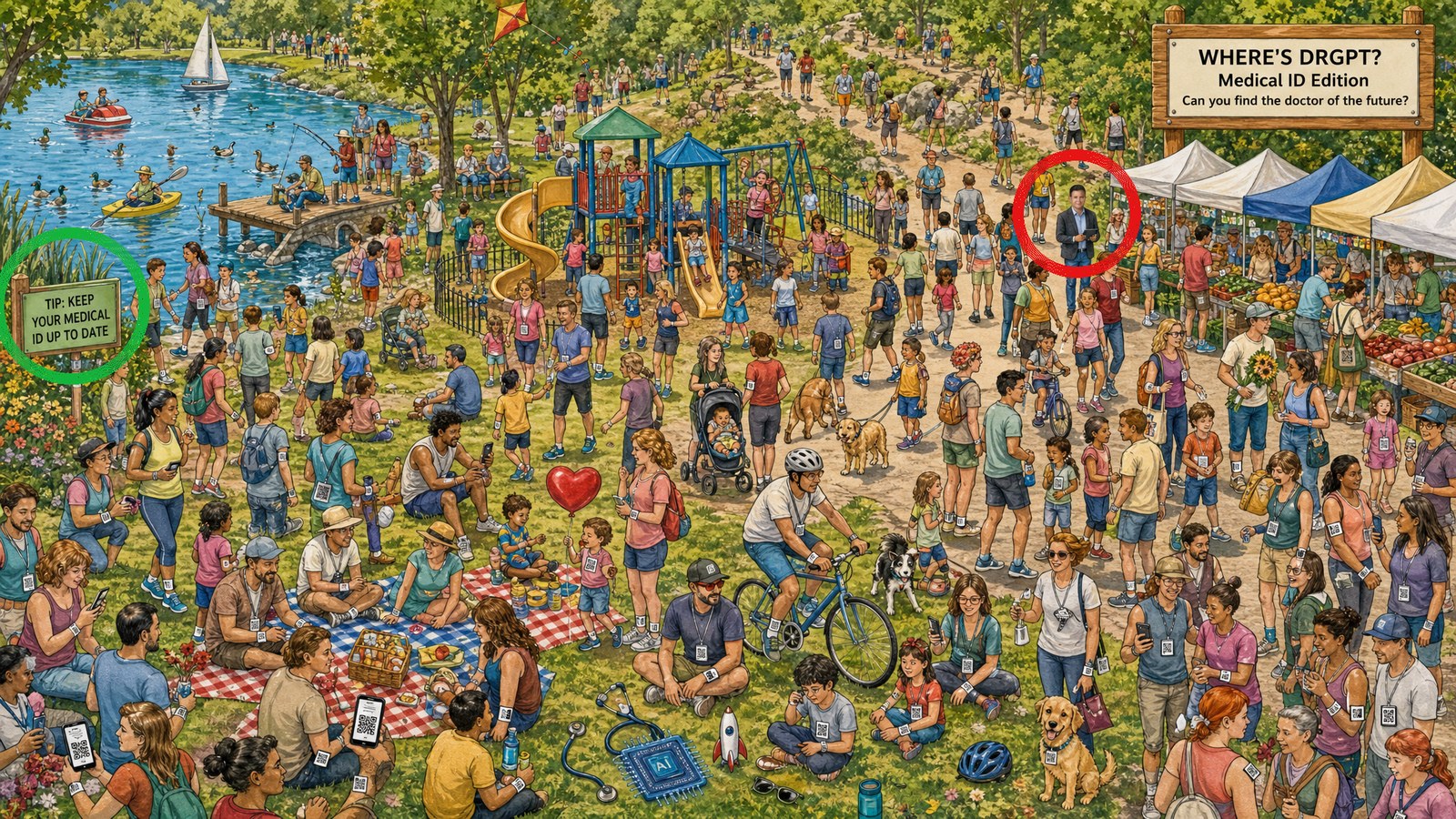
Upper right, on the path just left of the market tents, in a charcoal blazer with a tablet.
Common questions
Can paramedics see my medical ID without unlocking my phone?
Yes, if you turn it on. iPhone Medical ID and Android emergency information can show on the lock screen, and a lock-screen wallpaper with a QR code is visible as soon as the screen lights up.
What should I put on a medical ID?
Allergies, major conditions, critical medicines such as blood thinners or insulin, implants, and two emergency contacts. Leave out your Social Security number, insurance ID and address.
Sources
Education only, not medical advice. In an emergency, call 911.